Chip Configurator
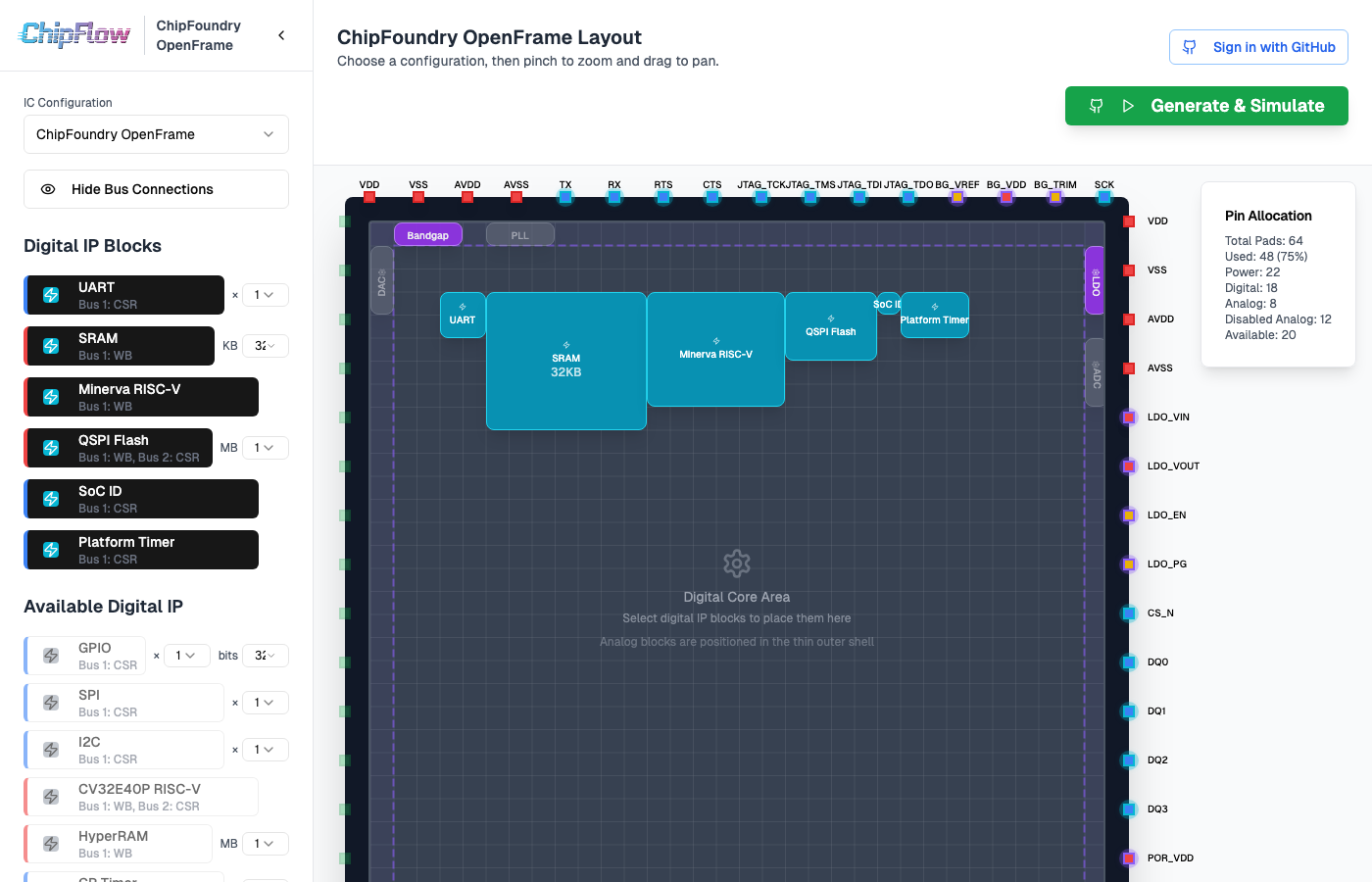
The ChipFlow Configurator is a web-based tool for designing and visualizing custom chip layouts. It provides an intuitive interface for configuring IP blocks, pin assignments, and bus connections - then generates a complete development environment for you to build and simulate your design.
Getting Started
Open the Configurator
Visit configurator.chipflow.io in your browser.
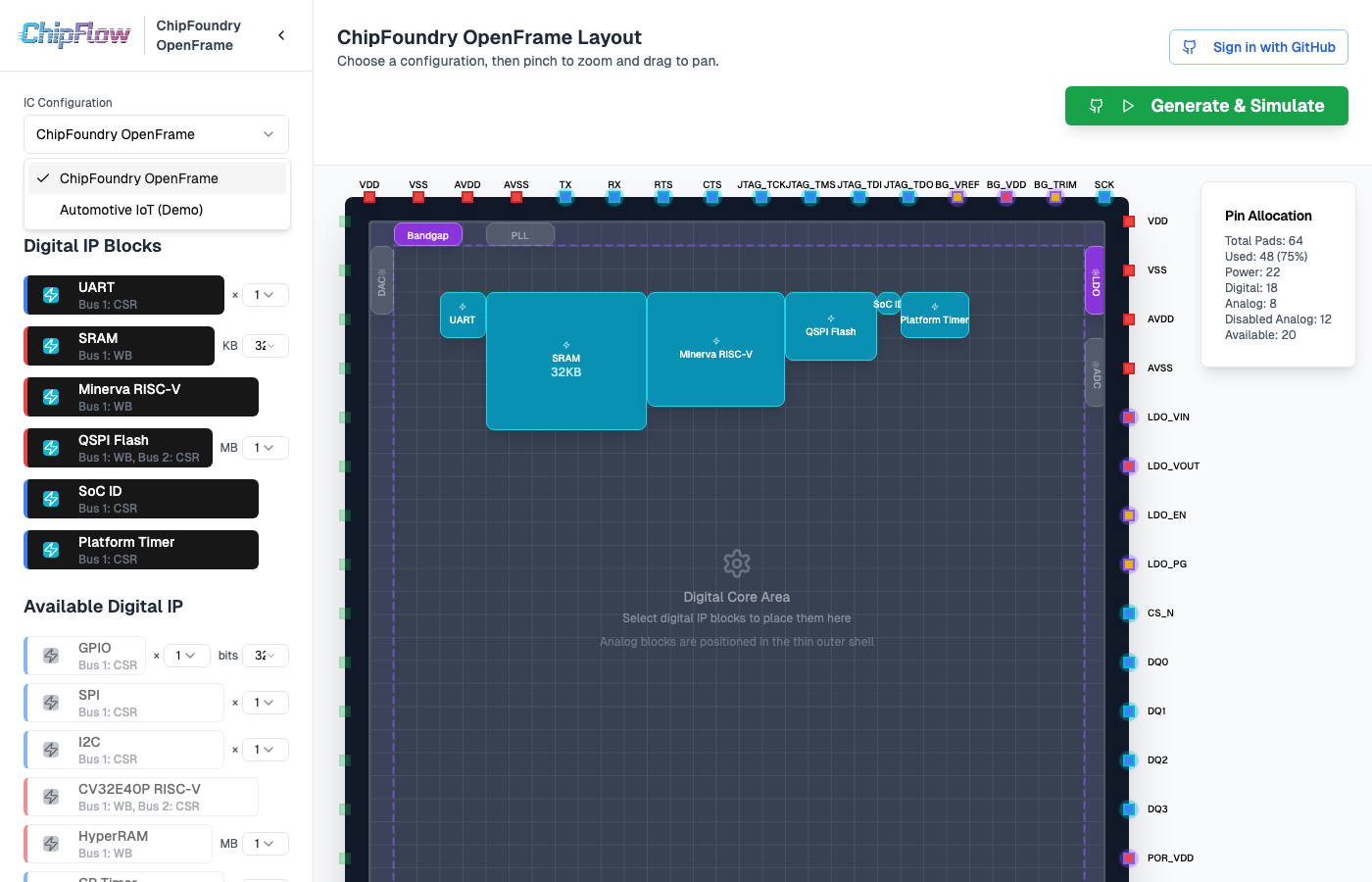
Select a Template
Use the dropdown selector to choose a chip template. Templates define the chip’s pin count, available IP blocks, and layout constraints.
Configure Your Design
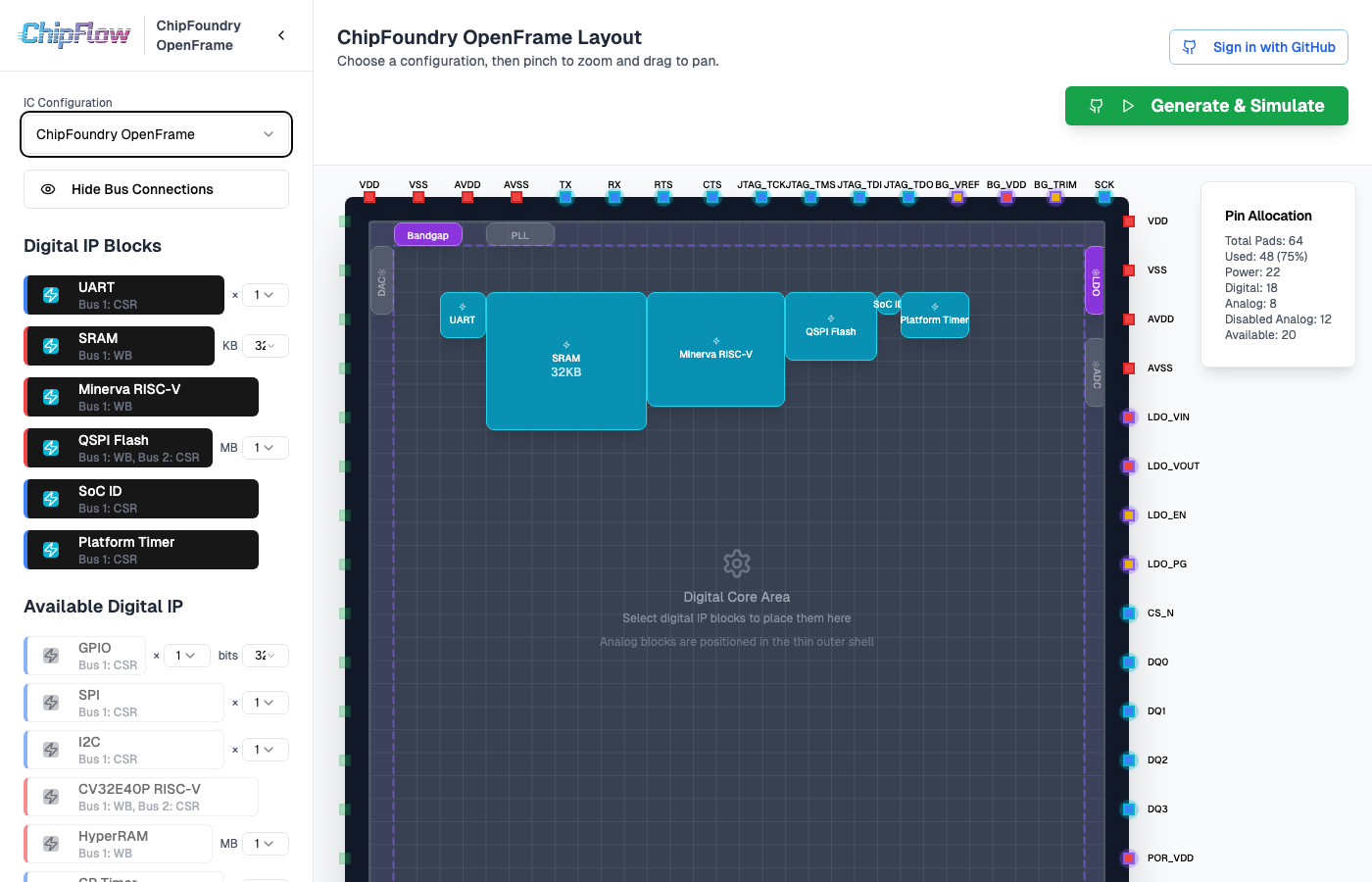
Enable or disable IP blocks using the sidebar controls
View pin assignments on the chip edges
See bus connections between components
Navigate the View
Pan: Click and drag to move around
Zoom: Use mouse wheel or pinch gestures to zoom in/out
Generate Your Design
When you’re happy with your configuration, click the Generate Design button. This will:
Create a GitHub repository with your design
Launch a GitHub Codespace with everything pre-configured
Open a welcome page with next steps
Working in Your Codespace
After clicking “Generate Design”, you’ll be taken to a GitHub Codespace with your chip design ready to build and simulate. The welcome page shows your design summary and provides the commands you need.
Build Your Design
Generate Verilog and compile the simulation:
chipflow sim build
Run Simulation
Execute the simulation and see results:
chipflow sim run
Submit for Fabrication
When your design is ready, submit it for silicon fabrication:
chipflow silicon submit
Next Steps in the Codespace
Build your design - Run
chipflow sim buildto generate Verilog and compileRun simulation - Execute
chipflow sim runto test your designExplore results - Check generated Verilog, waveforms, and test output
Iterate and refine - Modify your design and rebuild as needed
Submit for fabrication - Run
chipflow silicon submitwhen ready
Key Features
Interactive Layout
Drag, zoom, and pan the chip visualization
Click on IP blocks to see their details
Real-time updates as you make changes
Configurable IP Blocks
Enable or disable individual IP blocks
Scale and customize IP block parameters
View pin assignments and signal mappings
Visual Bus Routing
Color-coded connections between components
Toggle bus visibility in the sidebar
See which blocks share common buses
One-Click Development Environment
Generates a complete GitHub repository
Pre-configured Codespace with all tools installed
Ready to build, simulate, and submit your design
Resources
ChipFlow Documentation - Complete guides and API reference
Report Issues - Found a problem? Let us know